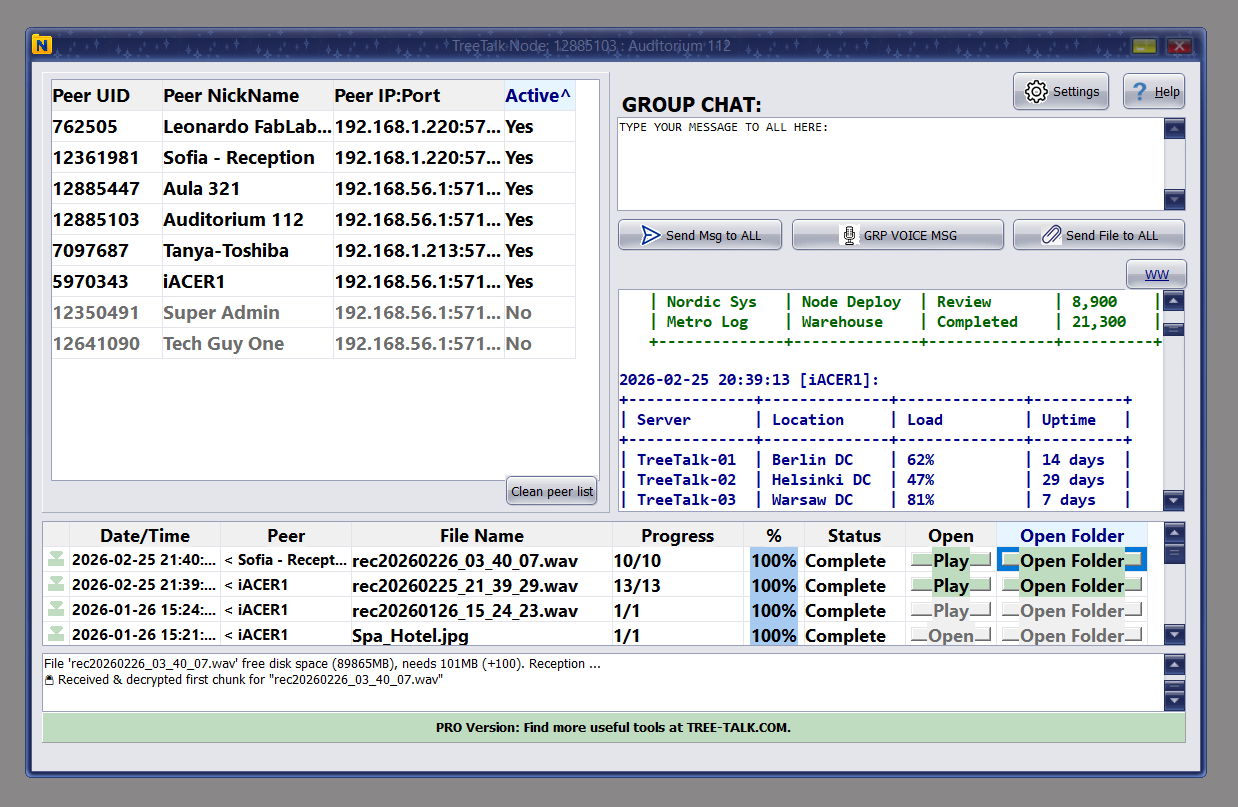
TreeTalk Node lets teams share files, exchange messages and send voice notes directly between devices across local or private networks, without cloud servers or internet dependency.
Built for organizations and individuals that need privacy, resilience, business continuity and speed: from offices and warehouses to healthcare, hospitality, education and air-gapped environments.
• Free version available
• 14-day Premium trial — no credit
card or registration required
What is TreeTalk Node? TreeTalk Node is an offline-first business communication and file sharing solution for teams that need local-only data flow, cloud independence, and resilient collaboration during outages or restricted connectivity.
A practical alternative to cloud-based messengers and file transfer tools for organizations that need secure internal communication, fast local transfers and reliable operation without internet dependency.
Transfer files directly between devices across your local network, avoiding cloud bottlenecks and making large-file delivery faster and simpler.
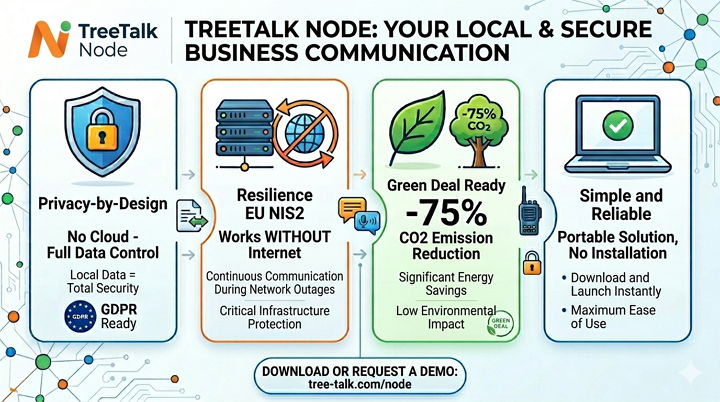
Your data stays within your own network. Optional end-to-end encryption helps protect sensitive files and internal team communication. HIPAA/GDPR ready.
Keep communication and file exchange running across LAN, WiFi or VPN even when internet connectivity is disrupted or unavailable. NIS2 ready.
Use direct chat, group chat and voice messaging to coordinate quickly without routing communications through external platforms.
Built for real mixed environments, including older office PCs and modern workstations, without requiring complicated deployment workflows.
No complicated server setup, no cloud account dependency, and no heavy onboarding process. Download, launch, discover peers and start working.
Start free, evaluate fast, and scale to privacy-focused or enterprise scenarios with one-time purchase options.
Recommended for home use and small teams / SOHO
Recommended for medium-size teams; VPN, Internet-connected PCs
Advanced privacy (no Internet required) + 1 year support
Same as Premium Offline + extended individual support
Watch a quick walkthrough of peer discovery, chat, voice messaging and secure file transfer on a local network.
Start with your preferred platform path and explore TreeTalk Node for secure offline file sharing, LAN messaging and local-first team collaboration.
Discover how organizations use TreeTalk Node for private communication, local-only file sharing, resilient operations and business continuity.
Italy · Multiple Collection Points
Challenge: 12 medical laboratories across Italy needed to share sensitive patient data and large diagnostic files between collection points without exposing data to public internet.
Solution: TreeTalk Node running over encrypted OpenVPN connections, creating a virtual private network where all locations appear as local peers.
Result: Server-free, peer-to-peer transfers of MRI scans and lab results at LAN speeds, with zero PHI data stored on external servers. Compliance with GDPR and medical privacy regulations like HIPAA is supported through local-only data flow.
Houston, Texas, USA · During Internet Blackout
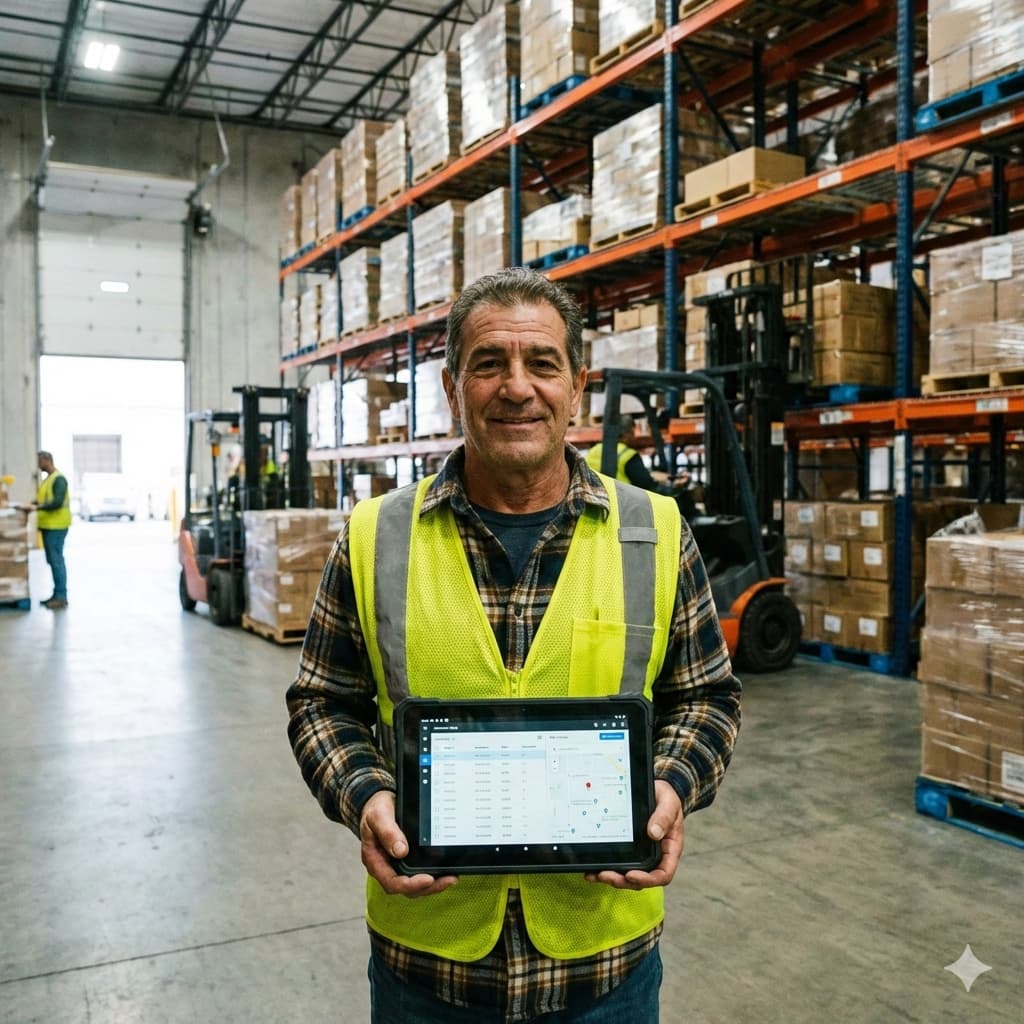
Challenge: A major wholesale company in Houston faced complete internet outage during severe weather, halting all cloud-based inventory and order processing.
Solution: TreeTalk Node's offline-first architecture allowed warehouse office computers to continue sharing shipping manifests, inventory updates, invoices and packing lists via local WiFi and LAN. Built-in chats and voice messages also helped coordination continue.
Result: Business continuity maintained through pure peer-to-peer communication. No servers meant no single point of failure. The privacy-first design ensured sensitive customer data never left the premises.
Rome, Italy · Historic City Center
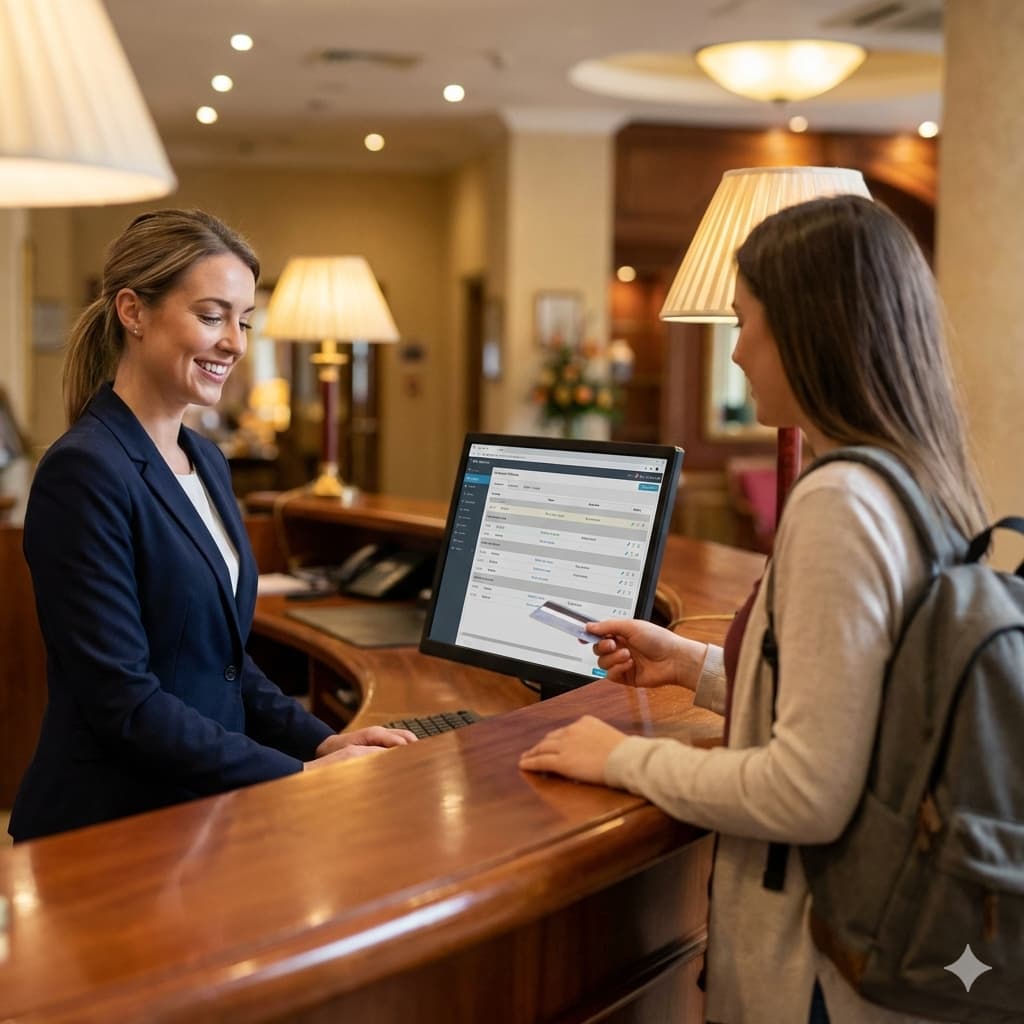
Challenge: A historic Rome hotel with thick stone walls and poor cellular reception needed to coordinate between reception, housekeeping, maintenance, and restaurant without relying on spotty internet or expensive radio systems.
Solution: TreeTalk Node installed on staff desktop computers, creating a mesh-like communication layer throughout the property using existing LAN and WiFi infrastructure. Built-in chats and voice messages improved convenience and response speed.
Result: Serverless, instant communication between departments for room status updates, maintenance requests, and guest service coordination. The no-external-server approach kept guest-related information strictly inside hotel walls.
Industry-specific PDF guides
Download practical TreeTalk Node use cases for secure offline file sharing, local team messaging, LAN collaboration, VPN workflows, privacy-first operations and business continuity.
Experience how simple secure local file sharing can be with TreeTalk
Node.
Evaluate the product, explore your preferred platform path, or request
a business demo for your organization.
No. TreeTalk Node works entirely inside your local network.
It does not require the Internet, cloud accounts, or a central server.
All file transfers and messages stay within your LAN, WiFi, WiFi Halow, or VPN — ensuring maximum privacy, speed, and reliability, even in offline or isolated networks.
Yes. TreeTalk Node supports Windows 7 SP1 and newer versions, including Windows 10 and Windows 11.
It is optimized for mixed environments where old and modern PCs operate together — making it useful for offices, warehouses, schools and other real-world networks with diverse hardware.
Absolutely.
TreeTalk Node keeps all transfers strictly inside your network and offers optional end-to-end encryption for additional protection.
No data is sent outside, no external servers are involved, and you stay fully in control of your files.
No installation and no configuration required.
TreeTalk Node is a portable application:
No drivers, no firewall tweaking, no heavy IT setup — it just works.
Transfers use the full potential of your LAN, WiFi, or VPN speed, without bottlenecks from cloud services or unnecessary protocol overhead.
Files move directly between computers, often much faster than email, messengers, SMB shares or removable drives — especially for large files.
To transfer large files ranging from hundreds of megabytes to several gigabytes, such as CAD files, Full HD videos or 4K media, TreeTalk Node is a convenient local-first solution.
Simply drag and drop the file onto the recipient’s nickname, into a group chat, or use the “Send File” button. The file is sent directly to the recipient’s computer without using the internet.
This approach can be significantly faster and more secure than cloud storage services, especially in critical infrastructure and air-gapped networks.
To transfer heavy files over the internet, it is recommended to use TreeTalk Node together with a VPN.
A VPN such as OpenVPN or SoftEther connects your devices and adds an extra layer of security through encryption. TreeTalk Node treats this VPN connection as a local network and discovers other devices as if they were on the same LAN.
After that, simply drag and drop the file onto the recipient’s nickname, into a group chat, or use the “Send File” button. The file will be delivered directly to the recipient’s computer(s), without cloud storage or online file hosting.