TreeTalk Node for Windows - Download

Choose the Windows version that suits your device: install from Microsoft Store on Windows 10/11, or download the portable ZIP for Windows 7 through 11.

Option 1/2. Install from Microsoft Store (Windows 10 or higher)

Prefer the Microsoft Store version for a standard Windows installation, automatic Store-managed updates, and a familiar installation flow on Windows 10 and Windows 11.
Install TreeTalk Node from Microsoft Store for Windows 10 and Windows 11

The Microsoft Store package requires Windows 10 or higher. For Windows 7, use the portable ZIP below.
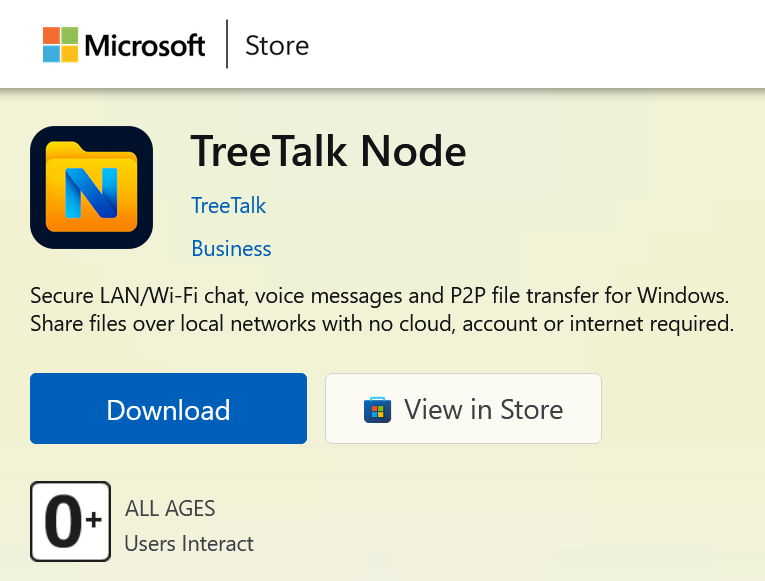
TreeTalk Node Microsoft Store listing card for secure LAN file sharing on Windows

Option 2/2. Download TreeTalk Node v.1.22 2026-07-07 (Portable, Stable, 5.4 MB)

Single-file Windows app (TreeTalk-Node.exe), compatible with Windows 7 - 11.

No installer. No admin setup. Run it from any folder.

Easy distribution: copy one file across multiple PCs, USB sticks, or shared drives.

How to run

  1. Download the ZIP
  2. Extract it
  3. Run TreeTalk-Node.exe

Windows / browser warnings

Because TreeTalk Node is a new application, Windows Defender or SmartScreen may show a warning the first time you run it.
TreeTalk Node is not malware. It does not modify system files and does not require administrator access.

Security

  • Traffic stays inside your LAN unless you configure otherwise.
  • You can enable encryption in Settings.

Having trouble downloading?

If your browser blocks the download, try "Keep" or "Download anyway", or use another browser. See Tutorials for more details.

Scanned with VirusTotal – clean

HASH (SHA256):
5fd130db9b57a3ab6b920598f11cb5f5056c139a32307b3af85258d123cbaaf3

Click the link above to view the full VirusTotal report