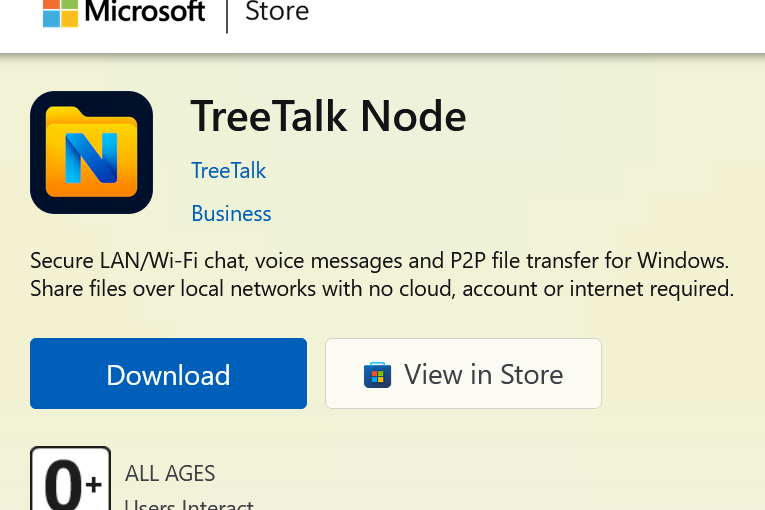
TreeTalk Node Local Private Messenger and File Sharing Is Now on Microsoft Store
On July 7, 2026, Microsoft approved TreeTalk Node for the Store.
That gives Windows users two real ways to install it now. One is the portable EXE/ZIP we’ve shipped since launch. The other is the Store version, built for Windows 10 and 11.
They solve different problems.

TreeTalk Node is now available in two Windows options: Microsoft Store for smooth Windows 10/11 installation, and portable EXE/ZIP for maximum flexibility.
Microsoft Store: the easy path
Most Windows 10/11 users should start here.
Windows handles the install. TreeTalk Node lands in your Start menu like any other app. The package is Microsoft-signed, so Defender, SmartScreen, and most antivirus tools treat it as trusted from the first run.
That matters more than it sounds. TreeTalk Node discovers peers and moves files over your local network without touching a server. Security software doesn’t always know what to make of that kind of app when it’s unfamiliar. The Store signature removes the guesswork.
One tradeoff: this isn’t a portable install. Windows manages it in its own app location, not a folder you pick yourself.
Get TreeTalk Node on Microsoft Store
Portable EXE/ZIP: still the flexible path
If you’re on Windows 7 or 8, this is your only option. The Store version requires Windows 10 or later.
It’s also the right call if you want to run TreeTalk Node from a USB stick, a shared drive, or any folder you choose, or if you want the newest build before it clears Store review.
Which one should you install?
Windows 10 or 11 and want it simple: Store.
Windows 7 or 8, need portability, or want the latest build first: portable ZIP.
Same product either way. TreeTalk Node lets Windows machines find each other on LAN, Wi-Fi, or VPN and share files, text, and voice messages directly. No cloud account. No central server. No internet dependency for local work.
A file moves across the office without visiting a data center first. A hospital, a hotel, a workshop keeps talking internally when the internet is down, filtered, or simply not needed.
Cloud tools make sense when a file actually needs to leave the building. TreeTalk Node is for the much more common case where it doesn’t.
Quick comparison
| Use case | Best option |
|---|---|
| Windows 10 or Windows 11, easiest install | Microsoft Store |
| Fewer Defender, SmartScreen, or antivirus warnings | Microsoft Store |
| Windows 7 or Windows 8 support | Portable EXE/ZIP |
| Run from USB stick, external drive, or any chosen folder | Portable EXE/ZIP |
| Newest TreeTalk Node build before Store review | Portable EXE/ZIP |
Open TreeTalk Node on Microsoft Store
|
Download portable TreeTalk Node for Windows