TreeTalk Node File Sharing and Local Messenger for Android: Free and Pro Now on Google Play

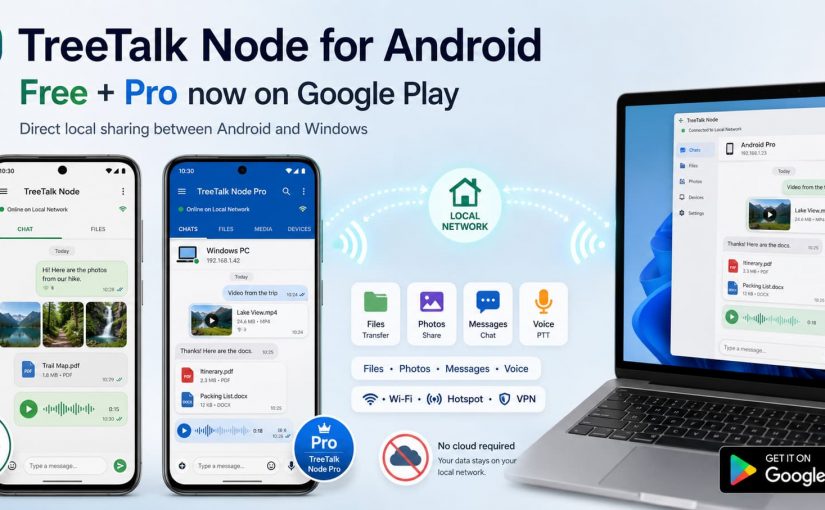
On August 18, TreeTalk Node added its second Android application to Google Play.

TreeTalk Node Free had already reached Google Play at the beginning of August. Now TreeTalk Node Pro is there as well, giving Android users a choice between a permanent Free edition and a separate paid Pro application.

Both communicate with TreeTalk Node on Android and Windows over the same reachable Wi-Fi, LAN, VPN or phone hotspot.

The basic idea has not changed: when the devices are already connected locally, files and everyday messages do not need a cloud detour.

Continue reading TreeTalk Node File Sharing and Local Messenger for Android: Free and Pro Now on Google Play

How to Share Files Between Android Phones and Windows Without Cloud Uploads

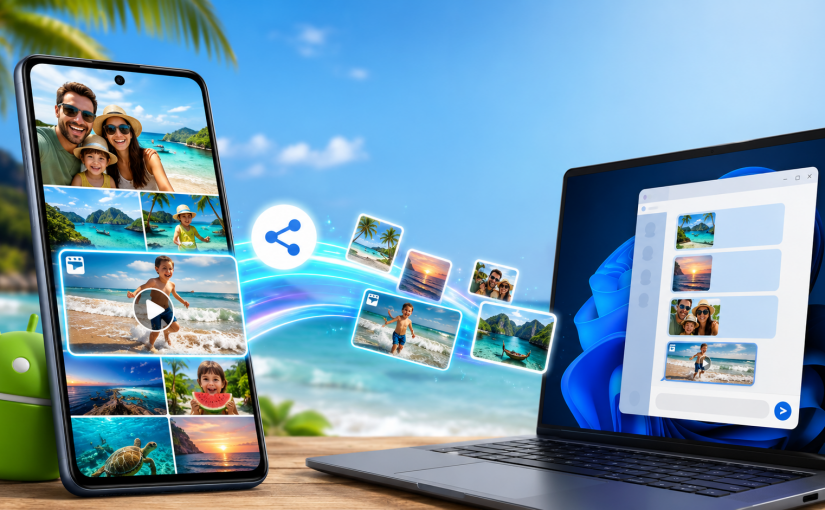
A phone and a Windows PC can sit on the same table, yet family photos still get handed to an internet service in another country just to move a few metres.

That route may be convenient when people are far apart. It makes less sense when the devices are in the same room, on the same Wi-Fi network, and the files contain private faces, children, homes, locations or travel moments.

TreeTalk Node can transfer files directly between Android phones, Android tablets and Windows PCs on the same reachable local network. It also supports private text chat, group messages, image previews and recorded voice messages in a push-to-talk style.

Android users can now choose between two public Google Play applications: TreeTalk Node Free for ordinary local sharing and messaging, and the separate TreeTalk Node Pro app for heavier workflows such as regular multi-file sending, larger files and unrestricted outgoing voice messages.

The Android and Windows applications do not look identical. They should not. The phone uses a familiar messenger-style interface, while the Windows version keeps a compact desktop layout. The important part is that the devices can discover one another and use the same local communication flow.


Get TreeTalk Node for Android & Windows

Share files, messages and voice notes directly over Wi-Fi, LAN or hotspot. No cloud or Internet required for local communication.

No registration required. Free editions available. Pro licences are one-time purchases.

Android installation options and the current official downloads are also available on the TreeTalk Node Android download page.

Continue reading How to Share Files Between Android Phones and Windows Without Cloud Uploads
TreeTalk Node Is Now on Microsoft Store: Portable ZIP or Store Install?

TreeTalk Node Local Private Messenger and File Sharing Is Now on Microsoft Store

On July 7, 2026, Microsoft approved TreeTalk Node for the Store.

That gives Windows users two real ways to install it now. One is the portable EXE/ZIP we’ve shipped since launch. The other is the Store version, built for Windows 10 and 11.

They solve different problems.

Continue reading TreeTalk Node Is Now on Microsoft Store: Portable ZIP or Store Install?

TreeTalk Node: Serverless P2P File Sharing / Messenger That Puts Privacy First

January 27, 2026 — Today marks the official ProductHunt launch of TreeTalk Node, a radical departure from cloud-dependent file sharing. Built as a direct response to surveillance capitalism, TreeTalk Node offers professionals and teams a serverless, local-first alternative that prioritizes data sovereignty over convenience.

The Problem: Big Tech Controls Your Files

Email providers block attachments. Google Drive scans your content. Collaboration platforms monetize your data. For professionals handling sensitive information — from legal documents to medical records to proprietary business data — this surveillance infrastructure has become untenable.
Continue reading TreeTalk Node: Serverless P2P File Sharing / Messenger That Puts Privacy First

Why File Sharing Is So Slow – and How to Speed Up Large File Transfers

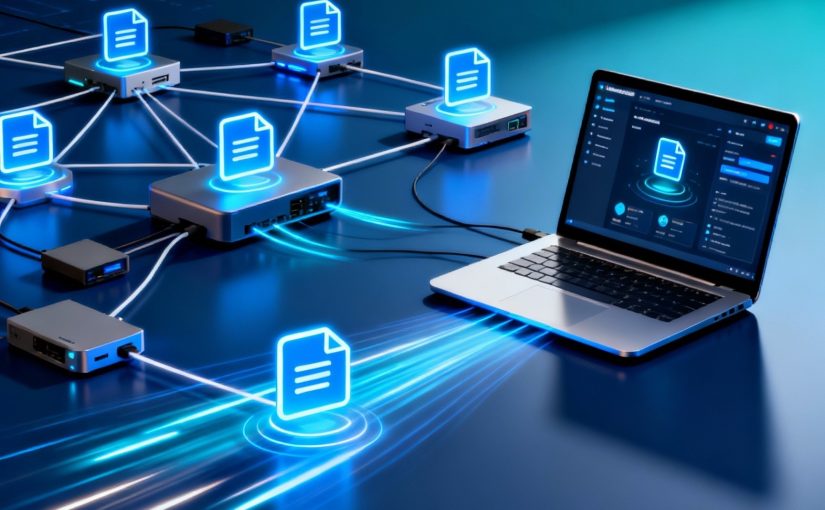
We’ve normalized something absurd in modern offices. You need to send a 500 MB CAD file to a colleague three desks away. Both computers are connected to the same network. Logic says the file should go straight from one computer to the other.

Instead, you upload it to Dropbox, wait for the link, send the link in Slack, and wait again while your colleague downloads the same file. Or you discover that email won’t accept the attachment. Or you start guessing which shared folder has the right permissions.

The cloud promised to make work easier. For purely local file sharing, it often adds a trip nobody asked for.

Continue reading Why File Sharing Is So Slow – and How to Speed Up Large File Transfers