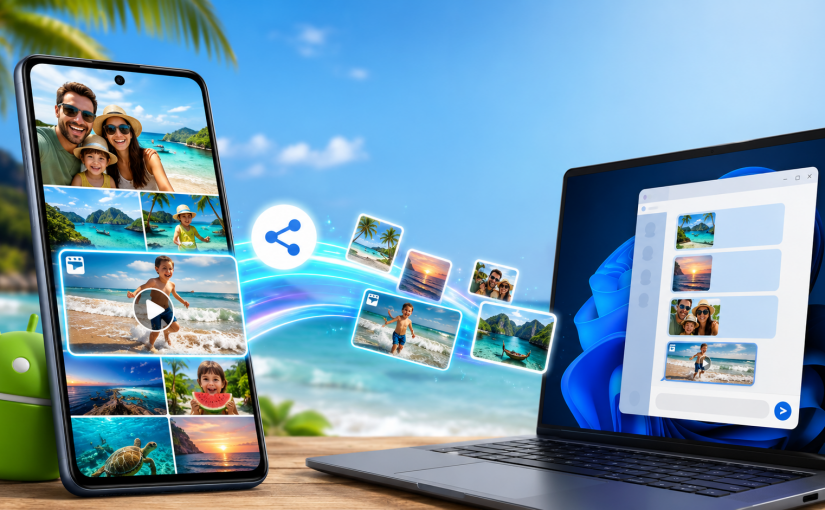
A phone and a Windows PC can sit on the same table, yet family photos still get handed to an internet service in another country just to move a few metres.
That route may be convenient when people are far apart. It makes less sense when the devices are in the same room, on the same Wi-Fi network, and the files contain private faces, children, homes, locations or travel moments.
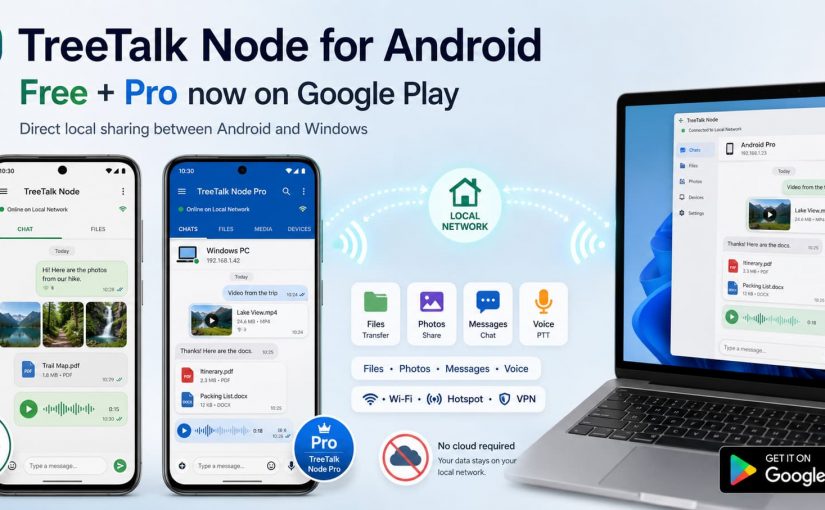
TreeTalk Node can transfer files directly between Android phones, Android tablets and Windows PCs on the same reachable local network. It also supports private text chat, group messages, image previews and recorded voice messages in a push-to-talk style.
Android users can now choose between two public Google Play applications: TreeTalk Node Free for ordinary local sharing and messaging, and the separate TreeTalk Node Pro app for heavier workflows such as regular multi-file sending, larger files and unrestricted outgoing voice messages.
The Android and Windows applications do not look identical. They should not. The phone uses a familiar messenger-style interface, while the Windows version keeps a compact desktop layout. The important part is that the devices can discover one another and use the same local communication flow.
Get TreeTalk Node for Android & Windows
Share files, messages and voice notes directly over Wi-Fi, LAN or hotspot. No cloud or Internet required for local communication.
No registration required. Free editions available. Pro licences are one-time purchases.
Android installation options and the current official downloads are also available on the TreeTalk Node Android download page.
Continue reading How to Share Files Between Android Phones and Windows Without Cloud Uploads